$21.99
On Hold
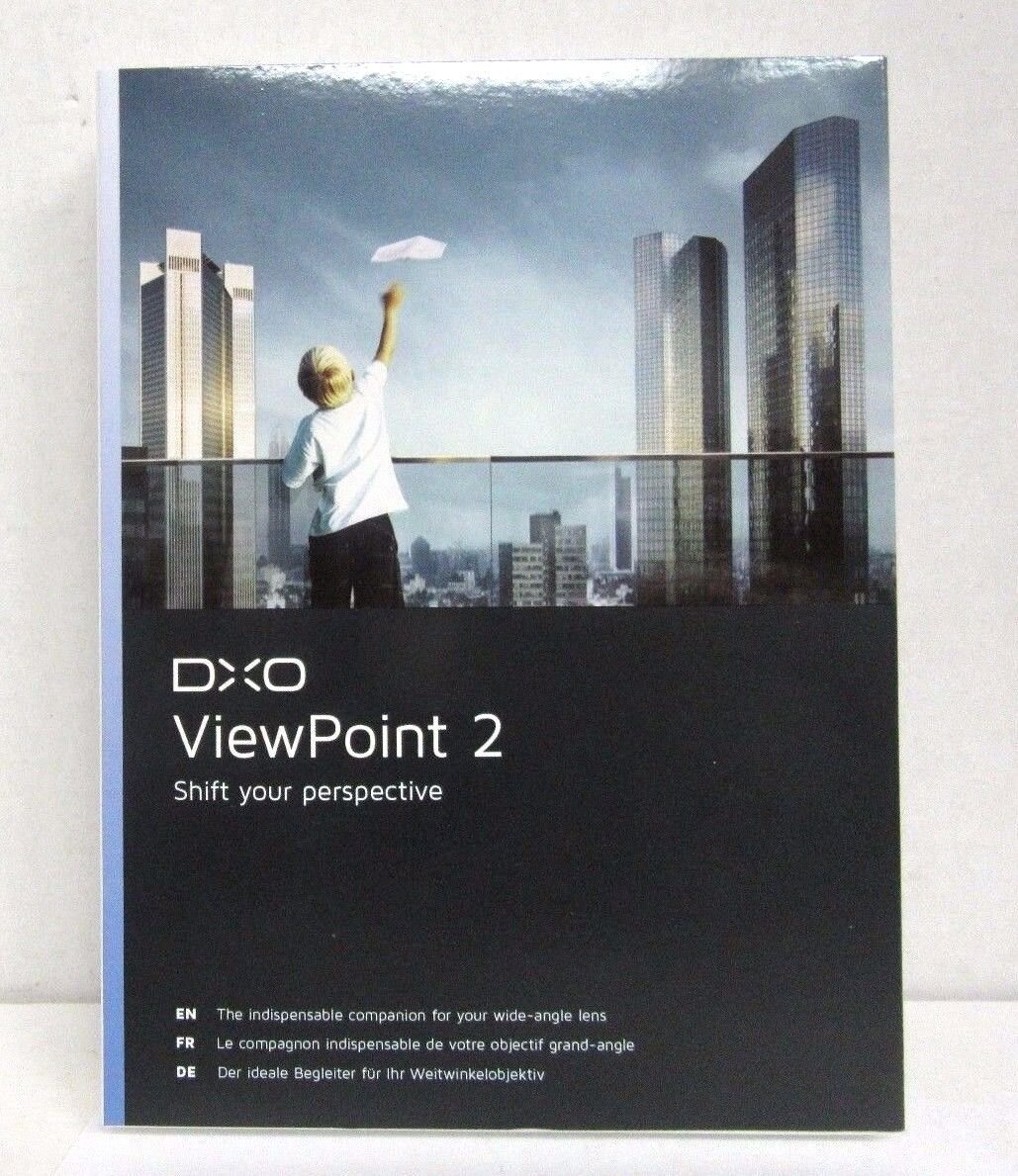
DxO Labs Viewpoint Version 2.0 Image Correction Software - 100330
More than 10 available
Details
Shipping: US-Mainland: free (more destinations)
Condition: Brand new
Returns: 14 days, buyer pays return shipping (more)


DxO Labs Viewpoint Version 2.0 Image Correction Software Brand New, Factory Sealed For MAC and WINDOWS **NO RETURNS FOR OPEN AND USED SOFTWARES**About DxO Labs viewpoint version 2.0The DXO Labs Viewpoint Version 2 Geometric Distortion Correction for Windows and Mac (Electronic Download) is dedicated to fixing problems with perspective and to correcting volume deformations. This version includes an exclusive new tool for fixing convergent lines in even the most complex images. For perfect images, the software also uses the precision of DXO Optics Modules to correct optical distortions. Increasingly versatile, DXO ViewPoint 2 extends its compatibility to include Adobe Photoshop Elements and Apple Aperture. Based on DXO Labs' exclusive correction technologies, DXO ViewPoint 2 offers simple visual tools that let users easily and efficiently correct two phenomena that frequently confront photographers who shoot with wide-angle lenses volume deformation of subjects on image edges and convergent lines. With just one license, DXO ViewPoint 2 can be used as a plug-in for Adobe Photoshop and Photoshop Elements, Adobe Lightroom and Apple Aperture and as a standalone application for Mac and Windows. The DXO Labs ViewPoint 2's simple, visual tools let users easily fix all kinds of perspective problems. The software now offers a new, exclusive 8-point mode that lets users fix any convergent line in the image, regardless of its position. Further, a new "Natural" setting shortcut lets users adjust the intensity of their image corrections to achieve a more realistic look in just one click.DxO Labs viewpoint version 2.0 FeaturesNew distortion correction feature: Benefitting from all of DxO Labs' expertise in lens analysis, DxO ViewPoint 2 now corrects distortion. Thanks to DxO Optics Modules, users can automatically apply corrections that are perfectly adapted to their equipmentAdvanced cropping feature: By default, DxO ViewPoint 2 offers an automatic cropping feature that lets users preserve image proportions for a more natural rendering after applying corrections. The software now also offers a cropping mode that gives access to the entire image
You may also be interested in:
-
$17.98

-
$26.95

-
$10.00

-
$0.45

-
$22.00

-
$33.00

-
$22.00

-
$14.00

-
$14.00

-
$14.00