$22.44
Add to Cart
Hard Drive Clone Suite Boot Disc Imaging Cloning Copying Disc Ghost Alternative
2 available
Details
Shipping: US-Mainland: free (more destinations)
Condition: Brand new
*The store has not been updated recently. You may want to contact the merchant to confirm the availability of the product.


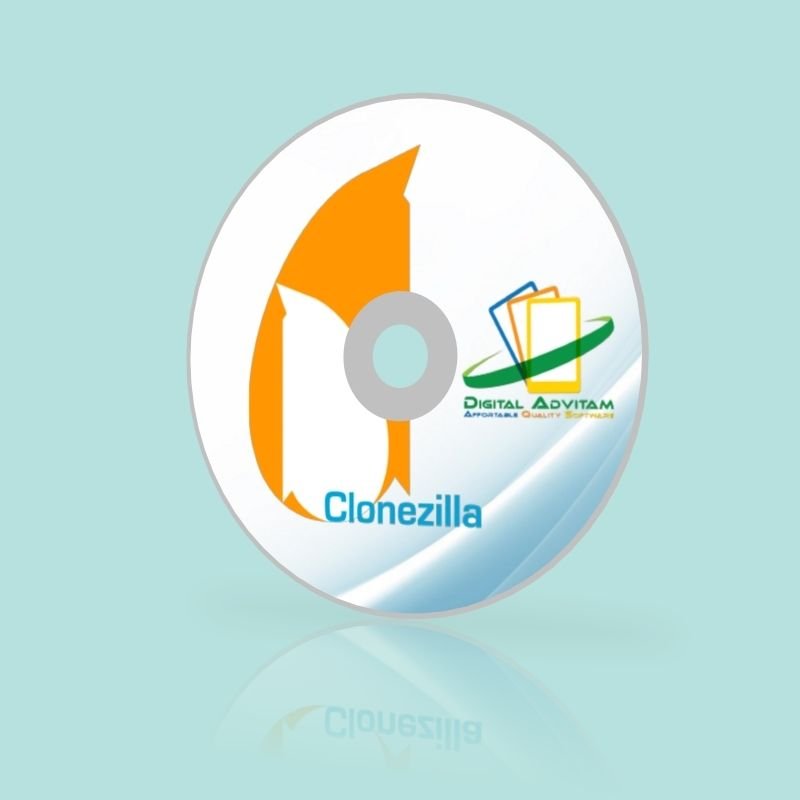
Hard Disk Imaging Cloning Copying DiscLatest VersionWorks with all Windows including XP, Vista, 7, 8,10 32bit & 64bitClonezilla is a partition and disk imaging/cloning program similar to True Image® or Norton Ghost®. It helps you to do system deployment, bare metal backup and recovery. Clonezilla saves and restores only used blocks in the hard disk. This increases the clone efficiency. With some high-end hardware in a 42-node cluster, a multicast restoring at rate 8 GB/min was reported. Features:Many File systems are supported: (1) ext2, ext3, ext4, reiserfs, reiser4, xfs, jfs, btrfs, f2fs and nilfs2 of GNU/Linux, (2) FAT12, FAT16, FAT32, NTFS of MS Windows, (3) HFS+ of Mac OS, (4) UFS of FreeBSD, NetBSD, and OpenBSD, (5) minix of Minix, and (6) VMFS3 and VMFS5 of VMWare ESX. Therefore you can clone GNU/Linux, MS windows, Intel-based Mac OS, FreeBSD, NetBSD, OpenBSD, Minix, VMWare ESX and Chrome OS/Chromium OS, no matter it's 32-bit (x86) or 64-bit (x86-64) OS. For these file systems, only used blocks in partition are saved and restored. For unsupported file system, sector-to-sector copy is done by dd in Clonezilla.LVM2 (LVM version 1 is not) is supported.Boot loader, including grub (version 1 and version 2) and syslinux, could be reinstalled.Both MBR and GPT partition formats of hard drive are supported. Clonezilla live also can be booted on a BIOS or uEFI machine.Unattended mode is supported. Almost all steps can be done via commands and options. You can also use a lot of boot parameters to customize your own imaging and cloning.One image restoring to multiple local devices is supported.Image could be encrypted. This is done with ecryptfs, a POSIX-compliant enterprise cryptographic stacked filesystem.Multicast is supported in Clonezilla SE, which is suitable for massive clone. You can also remotely use it to save or restore a bunch of computers if PXE and Wake-on-LAN are supported in your clients.The image file can be on local disk, ssh server, samba server, NFS server or WebDAV server.AES-256 encryption could be used to secures data access, storage and transfer.Based on Partclone (default), Partimage (optional), ntfsclone (optional), or dd to image or clone a partition. However, Clonezilla, containing some other programs, can save and restore not only partitions, but also a whole disk.By using another free software drbl-winroll, which is also developed by us, the hostname, group, and SID of cloned MS windows machine can be automatically changed.Minimum System Requirements:X86 or x86-64 processor196 MB of system memory (RAM)Boot device, e.g. CD/DVD Drive, USB port, PXE, or hard driveLimitations:The destination partition must be equal or larger than the source one.Differential/incremental backup is not implemented yet.Online imaging/cloning is not implemented yet. The partition to be imaged or cloned has to be unmounted.Due to the image format limitation, the image can not be explored or mounted. You can _NOT_ recovery single file from the image. Recovery Clonezilla live with multiple CDs or DVDs is not implemented yet. Now all the files have to be in one CD or DVD if you choose to create the recovery iso file.How do I get my computer to boot from USB/CD?You need to make sure the BIOS is set to boot from the correct drive. In most cases, this will require you to manually prioritize the CD/DVD/USB as the boot drive ahead of your usual C: drive. To make this change, you first have to access your computer’s BIOS configuration utility. While the specifics vary from computer to computer, the following steps should be of use to most users: Place the CD/DVD in your drive or insert the USB key as appropriateShut down your computer. Note – do a full shut down. A soft restart will not clear memory and the BIOS setup might not appear.Turn your computer back on and be ready to react quickly. During system start up, you will see a message similar to one of the following:Press to enter setupOrPress to open bios configuration utilityOrPress to change boot orderIt is usually one of the F1 – F12 keys or the DEL key (F2 and DEL are popular).Quickly press whichever key you are requested to press. If you miss it this time, simply try again by shutting down then starting your computer. Having hit the correct key, the bios configuration utility will start. Look for an entry that states 'Boot Order', 'Change Boot Order', 'Change Boot Sequence' or similar. Select it and press enter. Use the arrow keys to select the CD/DVD drive or USB port that you wish to boot from. If you are shown a sequential boot order, make sure CD/DVD/USB (as applicable) is first on the list. Save and exit. Your machine should automatically reboot to the CRD drive, allowing you to use the program. System Requirements Microsoft WindowsWindows XP, Windows Vista, Windows 7, Windows 8, Windows 8.1, Windows 10 F.A.Q Is this a trial version or full software?This is a full version of the software. We use open-source software to provide a more affordable alternative to expensive software on the market. We charge for our work to professionally make and package the USB for your usage. And if you have any questions, please feel free to contact us and we will try our best to assist you. Does the software violate any copyrights?No. I am authorized to distribute this software under the GNU LGPL. This listing does not violate the Digital Delivered Goods Policy as it ONLY offers a USB version. Can I install on more than one computer? Yes. You may install on unlimited PCs within your household and use this software without restrictions. Do you supply printed manual?No. All user manuals are in digital form. Is this Legal software? Yes! This is 100% legal software! All software under GNU LicenseWe are Authorized Distributors Under GNU GPL (General Public License) Does this software have to be activated? No activation is required ! Payment We accept all major credit cards and paypal Shipping You will receive a CD with a CD sleeve. Majority of our shipment are via USPS/FedEx with tracking number
Other Products from digitaladvitam (View All)
-
$24.69
-
$24.69
-
$22.99
-
$24.69
-
$24.69
-
$24.69
-
$22.89
-
$24.69
-
$22.89
-
$33.89