
$3.25
Add to Cart
DBAN Bootable Hard Drive Wiper Eraser CD Format Your Hard Drive Beyond Recovery
More than 10 available
Details
Shipping: US-Mainland: free (more destinations)
Condition: Brand new
*The store has not been updated recently. You may want to contact the merchant to confirm the availability of the product.
DBAN Bootable Hard Drive Wiping Tool
If you are selling a Computer or want to wipe sensitive data for any reason and really want to make sure that everything is unretrievable this is the software you need. This software will write and rewrite your hard drive before wiping it completely clean so that nothing can be retrieved and your hard drive truly will be blank.
Can be used with Windows Linux & Mac Desktops & Laptops. Wipes Hard Drives, External Hard Drives & USB Drives
Very easy to Use Software!!
Uses The DoD (Department of Defense) Sanitation Method, the DoD 5220.22-M data sanitization method is usually
implemented in the following way:
Pass 1: Writes a zero and verifies the write
Pass 2: Writes a one and verifies the write
Pass 3: Writes a random character and verifies the write
Disk is Bootable in the BIOS
Disk is Professionally Labeled & Burned
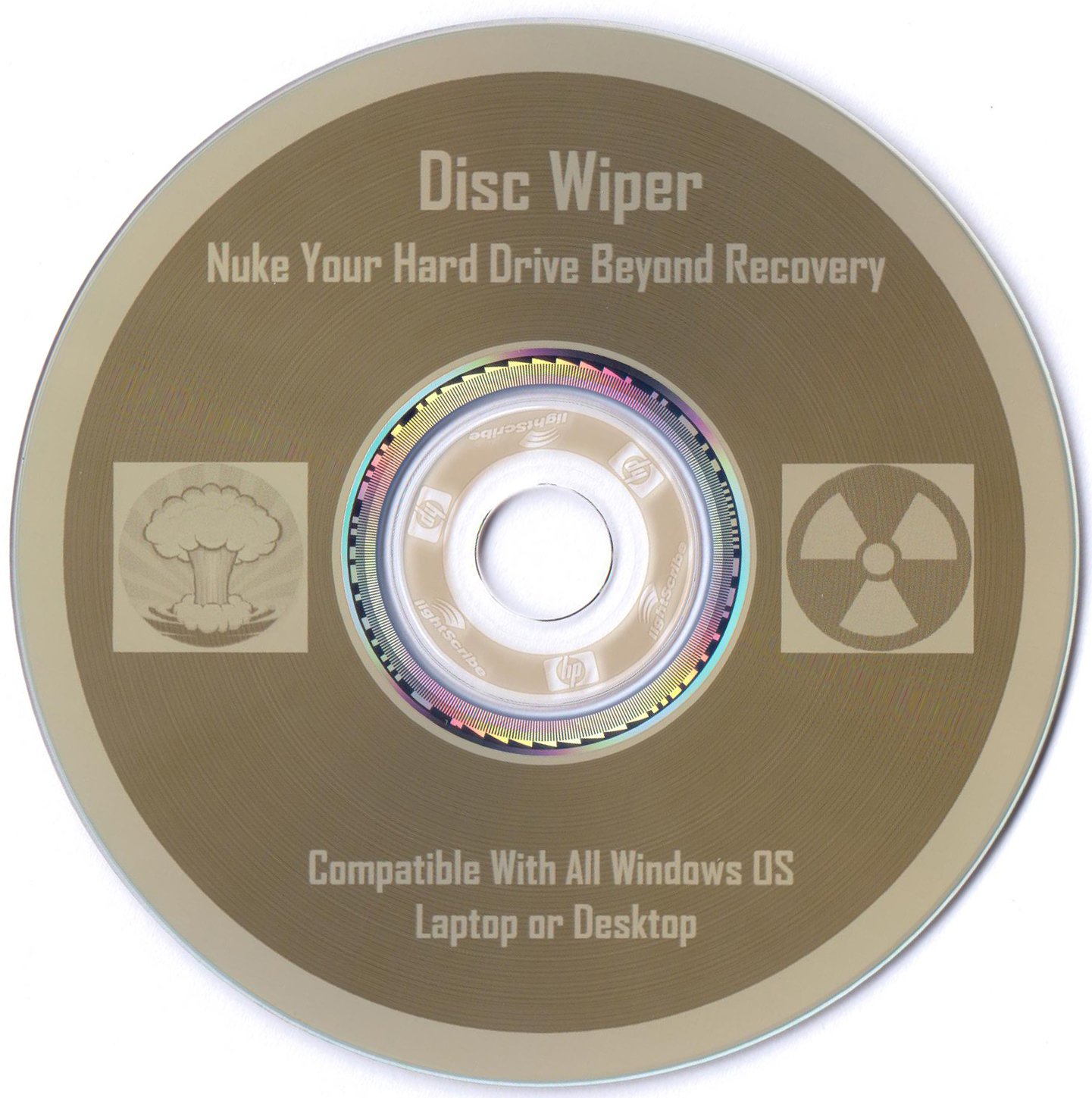
Disk you will receive is exactly as pictured.
Here's How to Boot from BIOS:
When Your computer first starts watch closely to see what key you must hit to enter the BIOS setup, usually it's either F2 or Delete.
Change the boot order in BIOS so the CD, DVD, or BD drive is listed first. Some computers are already configured this way but many are not.
If the optical drive(cd-drive) is not first in the boot order, your PC will start "normally" (i.e. boot from your hard drive) without even looking at what might be in your disc drive.
Insert your bootable CD, DVD, or BD in your disc drive.
Restart your computer.
Watch for a Press any key to boot from CD or DVD... message.
When booting to a Windows setup disc, and some other bootable discs as well, you may be prompted with a message to press a key to boot to the disc. To boot from the disc, you'll need to press any key on your keyboard (like the space bar) within the few seconds that the message is on the screen.
If you do nothing, your computer will check for boot information on the next boot device in the list in BIOS (see Step 1) which will probably be your hard drive.
Some bootable discs do not prompt for a key press and will start immediately.
If you are selling a Computer or want to wipe sensitive data for any reason and really want to make sure that everything is unretrievable this is the software you need. This software will write and rewrite your hard drive before wiping it completely clean so that nothing can be retrieved and your hard drive truly will be blank.
Can be used with Windows Linux & Mac Desktops & Laptops. Wipes Hard Drives, External Hard Drives & USB Drives
Very easy to Use Software!!
Uses The DoD (Department of Defense) Sanitation Method, the DoD 5220.22-M data sanitization method is usually
implemented in the following way:
Pass 1: Writes a zero and verifies the write
Pass 2: Writes a one and verifies the write
Pass 3: Writes a random character and verifies the write
Disk is Bootable in the BIOS
Disk is Professionally Labeled & Burned
Disk you will receive is exactly as pictured.
Here's How to Boot from BIOS:
When Your computer first starts watch closely to see what key you must hit to enter the BIOS setup, usually it's either F2 or Delete.
Change the boot order in BIOS so the CD, DVD, or BD drive is listed first. Some computers are already configured this way but many are not.
If the optical drive(cd-drive) is not first in the boot order, your PC will start "normally" (i.e. boot from your hard drive) without even looking at what might be in your disc drive.
Insert your bootable CD, DVD, or BD in your disc drive.
Restart your computer.
Watch for a Press any key to boot from CD or DVD... message.
When booting to a Windows setup disc, and some other bootable discs as well, you may be prompted with a message to press a key to boot to the disc. To boot from the disc, you'll need to press any key on your keyboard (like the space bar) within the few seconds that the message is on the screen.
If you do nothing, your computer will check for boot information on the next boot device in the list in BIOS (see Step 1) which will probably be your hard drive.
Some bootable discs do not prompt for a key press and will start immediately.


