$25.00
Add to Cart
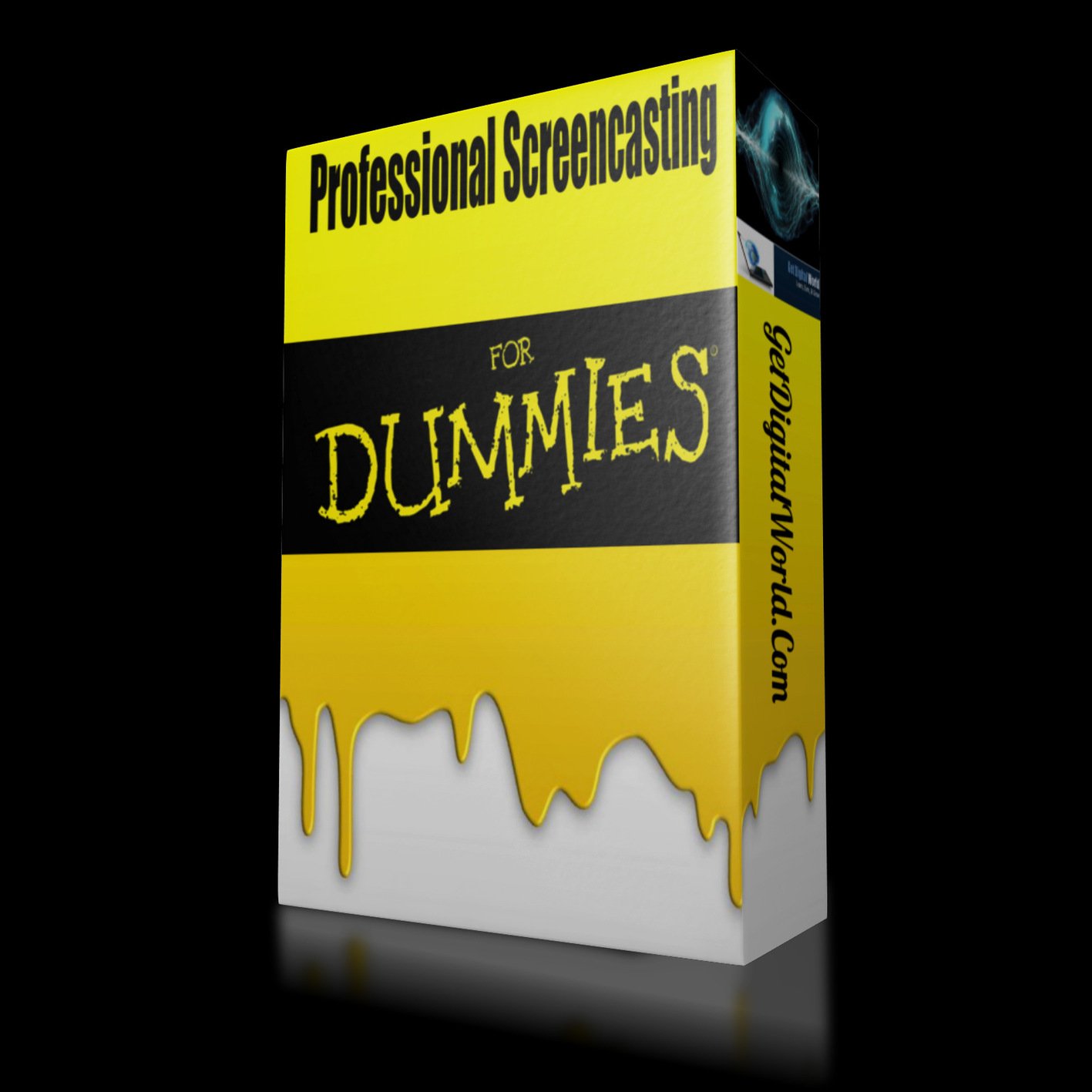
Professional Screencasting For Dummies
More than 10 available
Details
Shipping: US-Mainland: free (more destinations)
Condition: New other, see desc
*The store has not been updated recently. You may want to contact the merchant to confirm the availability of the product.
There are 23 parts in this course:
#1 Overview – What Is the Course About
#2 Get Camtasia And Screenflow
#3 The Optimal Computer Setup
#4 Make Sure Your Computer Is At Eye Level
#5 Optimal Mic Setup
#6 Having A Production Machine
#7 Setting Up Your Home Network To Use Your Production Machine
#8 Using Camtasia Projects
#9 Doing Your Recording In One Take
#10 Before You Hit Record
#11 Recording Your PowerPoint
#12 Once You Have Recorded A Video
#13 Timeline And Basic Editing
#14 Inserting Images And Audio
#15 Using Transitions
#16 Understanding Pre-Sets To Render And Produce
#17 The Six By Six Rule For Creating Presentations
#18 Using Picture In Picture Video
#19 Saving Time : Using Batch Production
#20 Adding In Cursor Effects, Blurs And Callout Notes
#21 Saving Time : Using ROM Zipper To Finalise Production For Delivery
#22 Using Camtasia To Create Mp3s
#23 Overview And Conclusion : You Now Know The Basics Needed
** USE THIS COURSE for your own product, business, or service. Alternatively, Provide this service to other businesses for cash!
#1 Overview – What Is the Course About
#2 Get Camtasia And Screenflow
#3 The Optimal Computer Setup
#4 Make Sure Your Computer Is At Eye Level
#5 Optimal Mic Setup
#6 Having A Production Machine
#7 Setting Up Your Home Network To Use Your Production Machine
#8 Using Camtasia Projects
#9 Doing Your Recording In One Take
#10 Before You Hit Record
#11 Recording Your PowerPoint
#12 Once You Have Recorded A Video
#13 Timeline And Basic Editing
#14 Inserting Images And Audio
#15 Using Transitions
#16 Understanding Pre-Sets To Render And Produce
#17 The Six By Six Rule For Creating Presentations
#18 Using Picture In Picture Video
#19 Saving Time : Using Batch Production
#20 Adding In Cursor Effects, Blurs And Callout Notes
#21 Saving Time : Using ROM Zipper To Finalise Production For Delivery
#22 Using Camtasia To Create Mp3s
#23 Overview And Conclusion : You Now Know The Basics Needed
** USE THIS COURSE for your own product, business, or service. Alternatively, Provide this service to other businesses for cash!
Other Products from getdigitalworld (View All)
-
$25.00
-
$25.00
-
$25.00

-
$25.00

-
$25.00

-
$25.00

-
$25.00
-
$25.00

-
$25.00
-
$25.00